How to start and complete a practice round
Run through a practice round on the Learn screen, from the first word to your results.
Before you start
- You have the MemoLeap Spelling app open, with the sound turned up.
- At least one word group is switched on — see How to choose which word groups you practise.
Steps
- On the Home screen, tap Start learning. Tapping the Learn tab does the same thing.
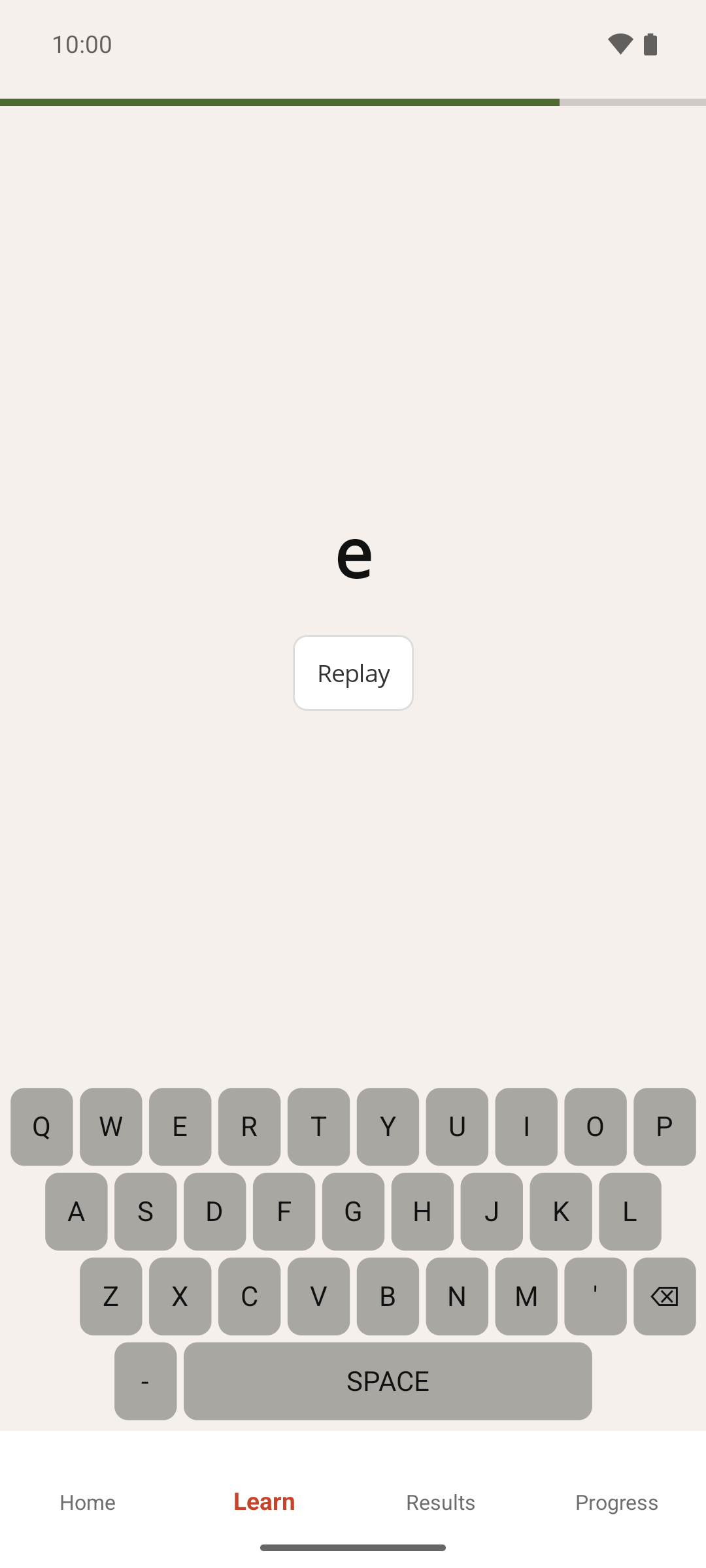
- Listen to the word the app speaks aloud. The keyboard doesn't respond until the word has finished.
- Type the word on the on-screen keyboard — see How to use the on-screen spelling keyboard. The bar across the top of the screen shows how much time you have left for this word. It stays full for a couple of seconds, then shrinks and changes from green to red as time runs down.
- To hear the word again, tap Replay. You can replay as often as you like. The keyboard is paused while the word plays, but your time keeps running.
- When you type the last letter, the app checks your answer:
- Correct: the screen turns green and shows your answer for a second, then the next word is spoken.
- Incorrect, or the bar ran out: the screen turns red and shows the correct spelling. Tap Continue to move on. (If you've switched off Pause after incorrect word in Settings, the app moves on by itself after two seconds instead.)
- Keep answering words until the round ends.
Result
A round gives you 90 seconds of answering time. This clock isn't shown on screen, and it only counts down while you're typing, not while a word is being spoken or while the red or green feedback is showing. When it runs out, the round ends after the word you're on, and the Results screen opens by itself.
From Results, tap Resume learning to start another round straight away, or View progress to see your grades — see How to read your results.
If something goes wrong
- The Learn screen shows a message instead of a word. No word group is currently active. Tap the Define Words button under the message and switch one on — see How to choose which word groups you practise.
- I left the Learn screen before the round ended. Switching to another tab, or leaving the app, abandons the round. No results are recorded for it, and it doesn't count towards your progress chart, but every word you answered still counts towards that word's grade.
- A message says I've been practising for 30 minutes. This is the app's break reminder, not an error. Tap Keep going to continue, or Stop for now to return to Home — see How practice sessions work.
- Some words are spoken with an example phrase. A few built-in words, such as ones that sound the same as another word, are spoken as "their, as in …" so you know which spelling is wanted. Type only the word itself.