How to fix reminders that aren't arriving
Troubleshoot practice reminders that never show up as a notification.
Before you start
- You have Premium, and Practice reminders is switched on — see How to turn on practice reminders.
Steps
- On the Home screen, check for the reminder status line at the bottom. If it isn't there, no reminder is scheduled: go to step 2. If it is, go to step 4.
- Tap Define Words and check that at least one of Your word groups is ticked and has 10 or more words. Reminders are based on your own word groups only. Built-in word groups don't count.
- Complete a practice round. A reminder is only scheduled when a round finishes, and the Home status line then appears.
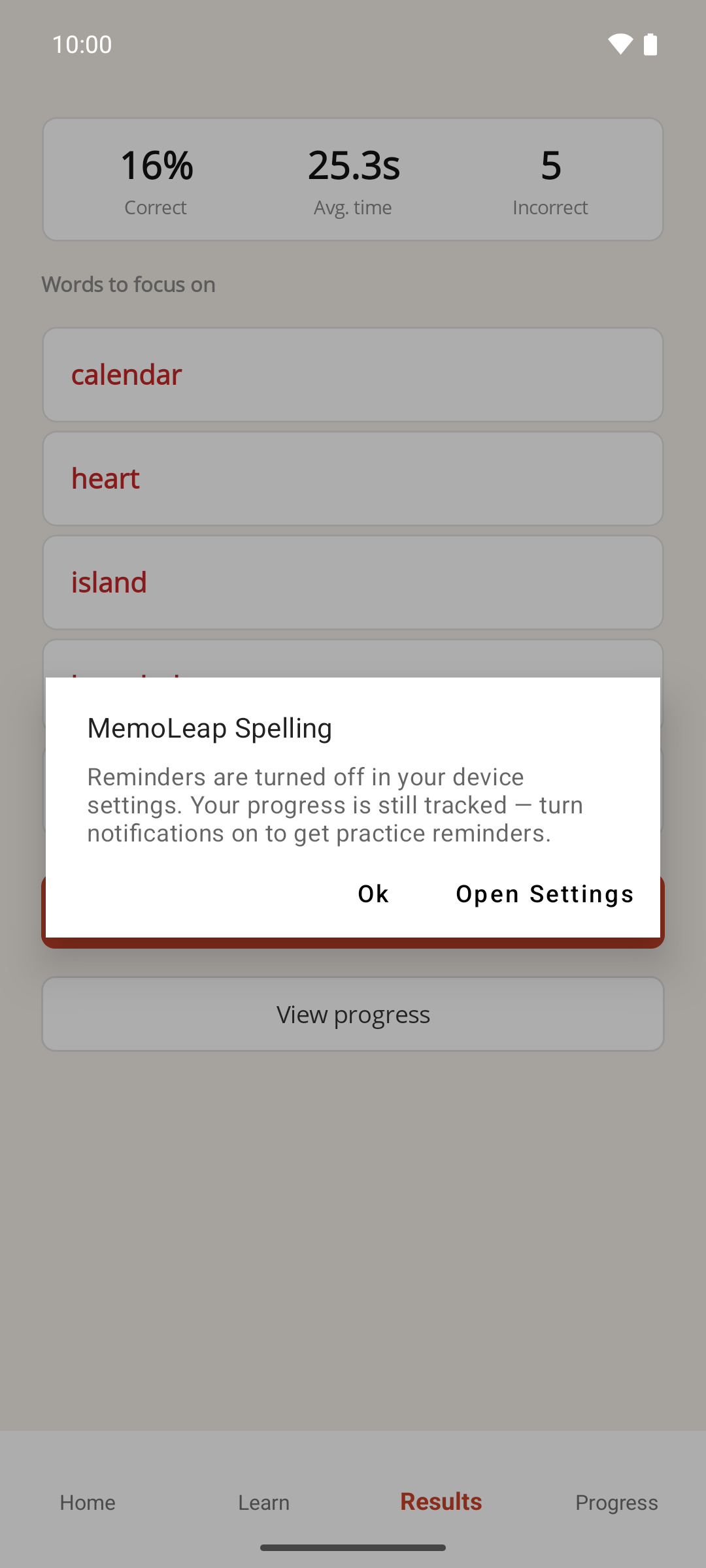
- If a message appears saying reminders are turned off in your device settings, tap Open Settings. Your device's own settings for MemoLeap Spelling open. Turn notifications on, then return to the app.
- In Settings, turn Practice reminders off and then on again. This reschedules the reminder now that notifications are allowed.
Result
The next reminder is scheduled, and the Home screen's status line shows when it's due — see How practice reminders are scheduled.
If something goes wrong
- The "turned off in your device settings" message only appeared once. The app shows it once each time it's opened. If you missed it, close the app fully, open it again, and turn Practice reminders off and on to see it again. Or go straight to your device's own settings for MemoLeap Spelling and allow notifications there.
- Notifications are allowed but the reminder came late. Reminders aren't delivered at an exact minute. Your device may hold them back a little to save battery, so allow some leeway before assuming one hasn't arrived.
- The status line says "All words strong" and the next review is weeks away. That's expected. Once every word is graded Good or Very Good, reminders spread out, up to about a month apart — see How practice reminders are scheduled.