How to upgrade to Premium
Unlock MemoLeap Spelling's Premium features with a one-time purchase.
Before you start
- You have the MemoLeap Spelling app open.
- You have a network connection, so the current price can be loaded from the App Store or Google Play.
Steps
- Open the Premium screen by tapping an Upgrade to Premium button. On the free version you'll find one:
- at the bottom of the Results screen, after any practice round;
- at the top of the Progress tab, after any practice round;
- on the Define Words screen, once you have 2 word groups of your own;
- at the bottom of a word list, once that group has 20 words.
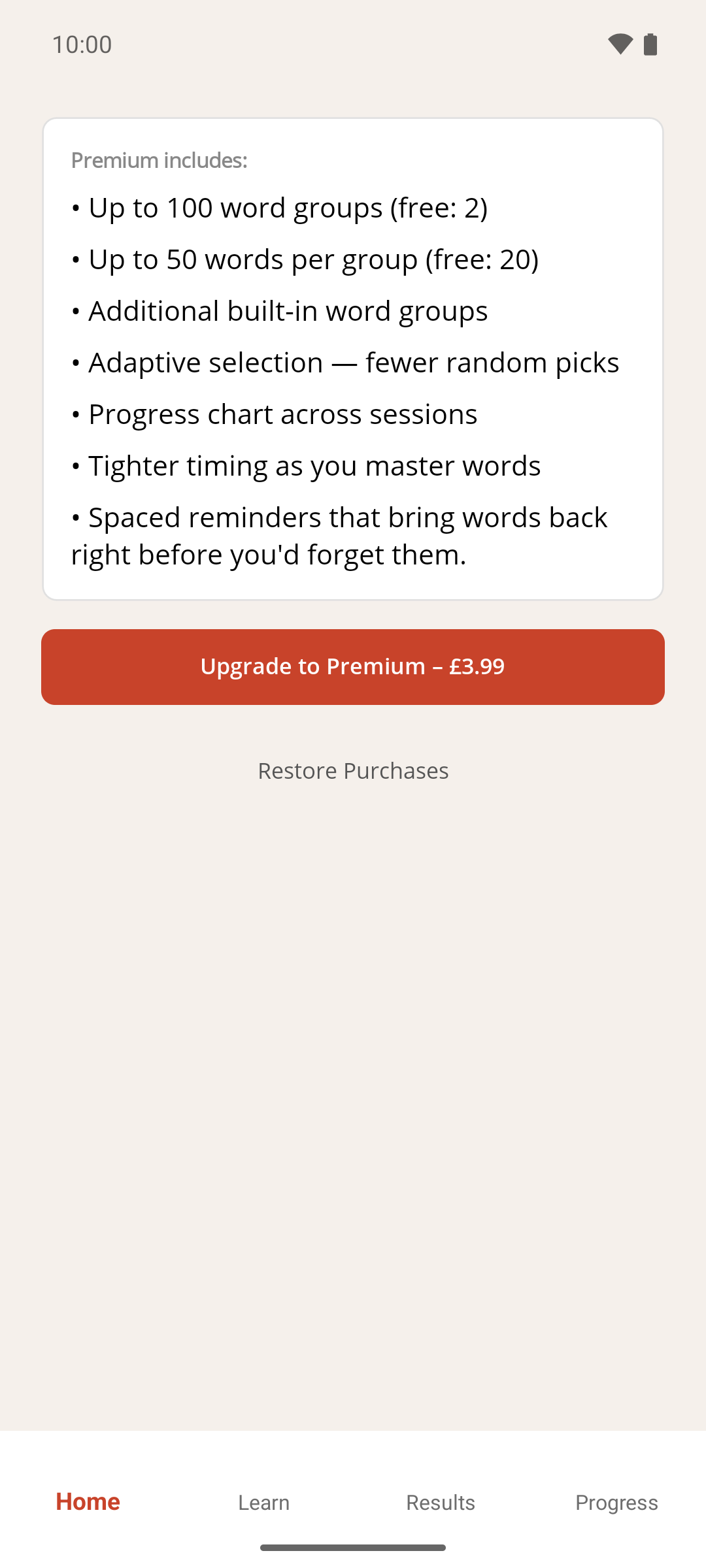
- Read the list under Premium includes: — see Premium benefits.
- Wait for the price to load. The Upgrade to Premium button then shows the price after its label.
- Tap Upgrade to Premium.
- Confirm the purchase in the App Store or Google Play window that appears.
Result
A message thanks you and confirms that all Premium features are unlocked, then the app returns you to the screen you came from. There's nothing to restart. The Premium screen itself now just says you already have Premium.
If something goes wrong
- "Could not load price" appears instead of a price. Check your network connection, then tap Retry.
- I already bought Premium on another device, or before reinstalling. Tap Restore Purchases instead — see How to restore your Premium purchase. If you tap Upgrade to Premium anyway, the store recognises the earlier purchase and unlocks Premium without charging again.
- I cancelled the purchase. Nothing changes and no message appears. Tap Upgrade to Premium again whenever you're ready.
- A "Purchase failed" message appears. The store couldn't complete the purchase. Check your connection and your store payment method, then try again.
- I can't find an Upgrade to Premium button. The button only appears in the places listed in step 1. The quickest route is to complete a practice round and use the button on Results.