How to reset your progress
Clear every word's grade and your round history, and start practising from scratch.
Before you start
- You have the MemoLeap Spelling app open.
- You've completed at least one practice round, so the Progress screen is showing your words.
Warning
This clears the grade of every word in every word group, including built-in groups, and deletes your results and progress chart history. It cannot be undone. Your word groups, words, recordings and settings are kept.
Steps
- Tap the Progress tab.
- Scroll to the bottom and tap Reset Progress.
- A confirmation asks whether you're sure. Tap Yes.
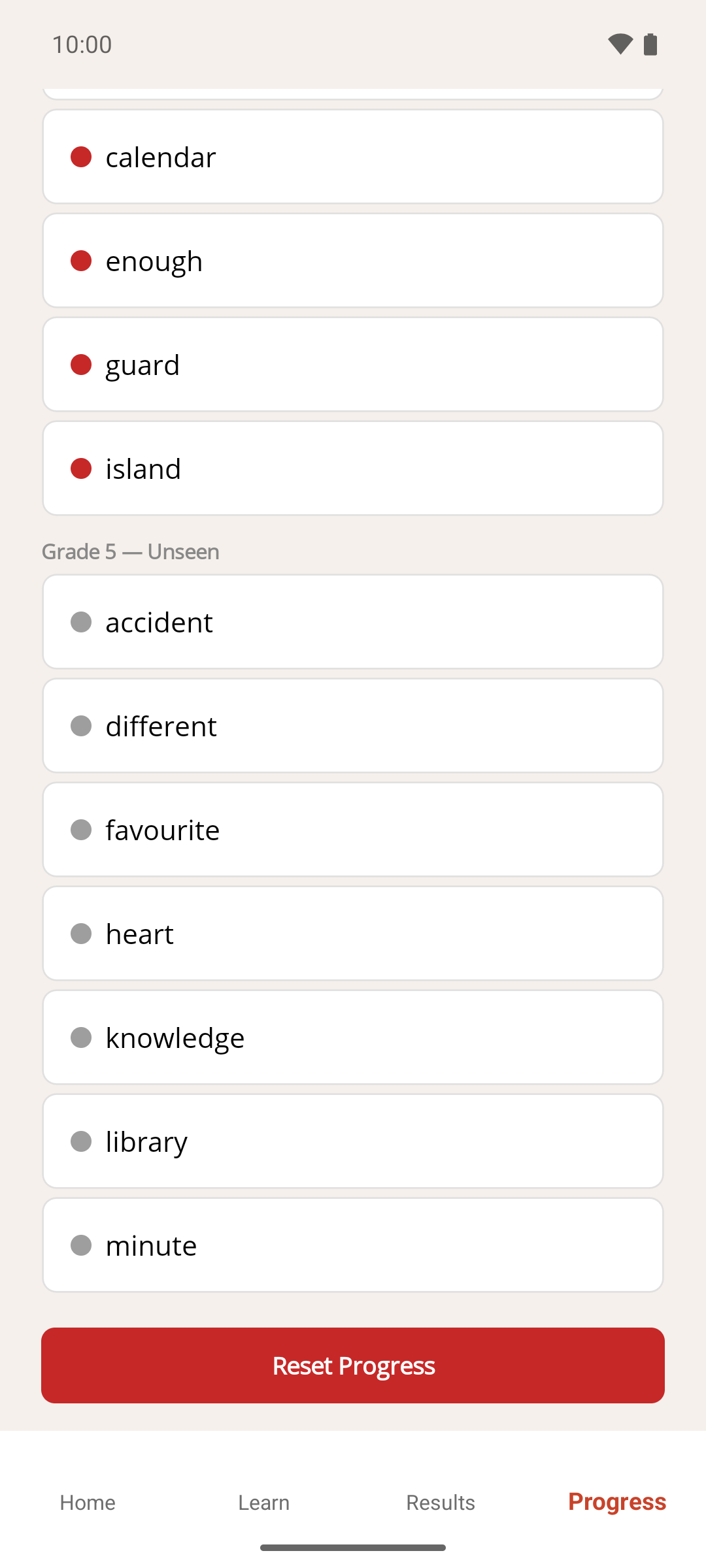
Result
Every word goes back to Unseen. Because your round history is cleared too, the Progress and Results screens show a message saying a learning round must be completed first, until you finish your next round. Tap Go Home and start one.
If something goes wrong
- I wanted to remove a word group, not just its progress. See How to delete a word group instead.
- I wanted to remove everything, including my word groups and recordings. See How to reset all app data instead.
- I have Premium and my reminder schedule changed. Resetting makes every word Unseen again, so practice reminders go back to daily after your next round — see How practice reminders are scheduled.